Preview
Architecture
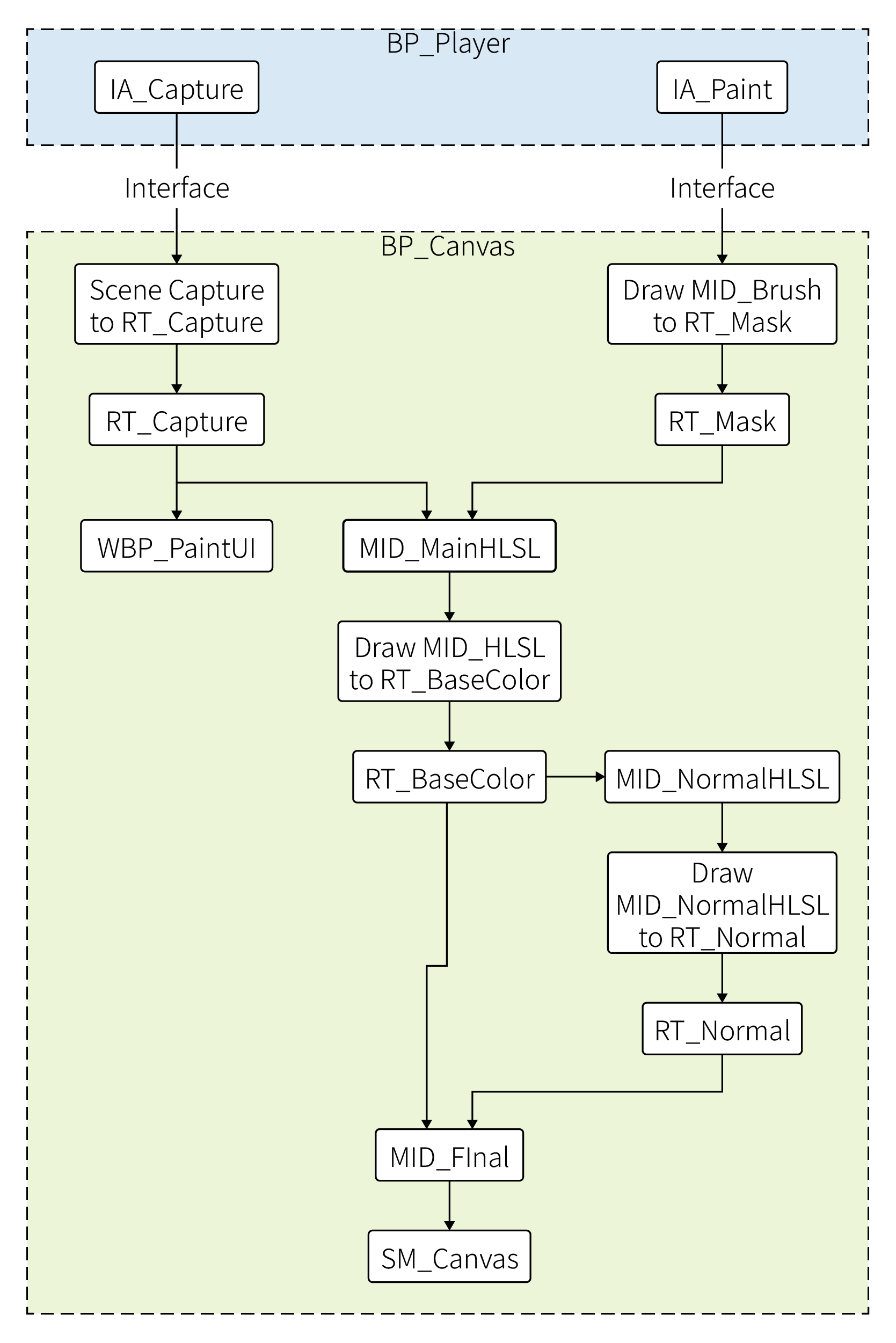
A central Canvas Blueprint manages all textures and material instances.
It uses Render Targets to pass data between different HLSL shader MIDs, combining multiple passes into one final, dynamic material onto the canvas.
Breakdown
Brush
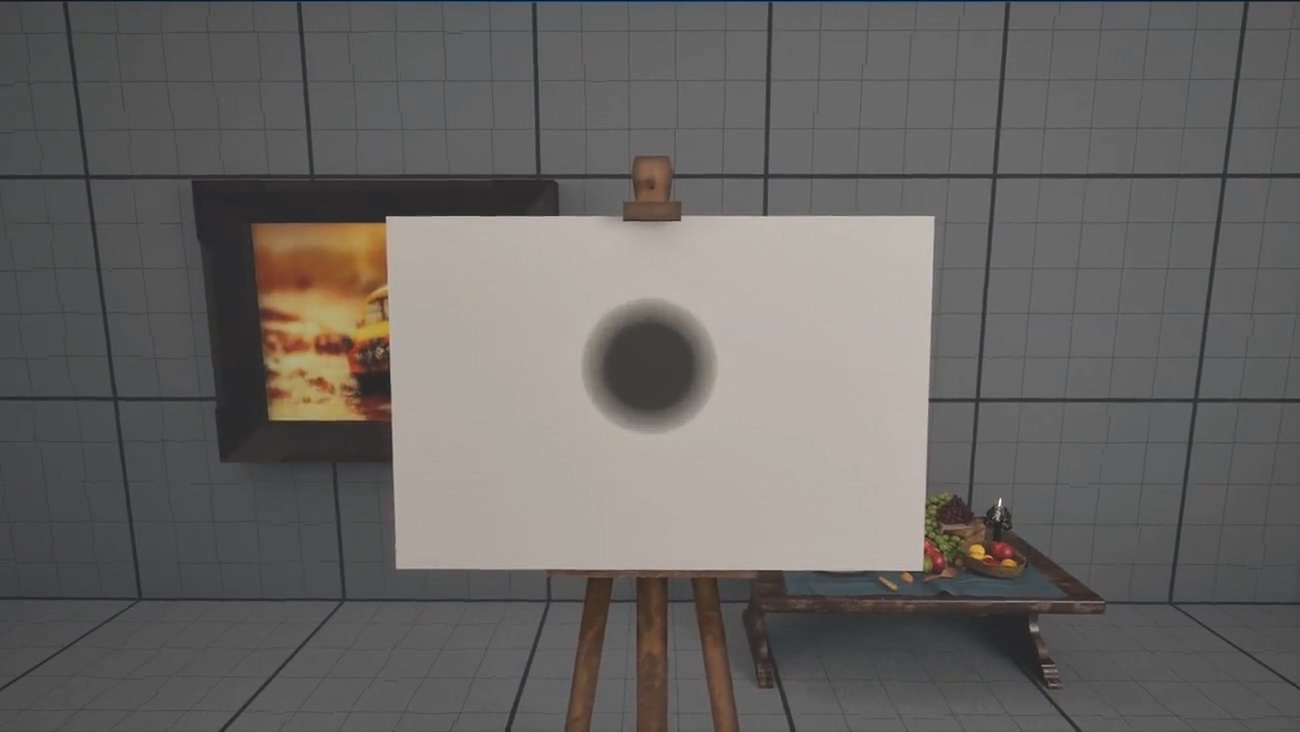
Brush UI: On-canvas controls for adjusting brush size and hardness.
Mouse Wheel to change the size, Ctrl + Mouse Wheel the hardness.
The brush fades out automatically after a short delay if no change is made.
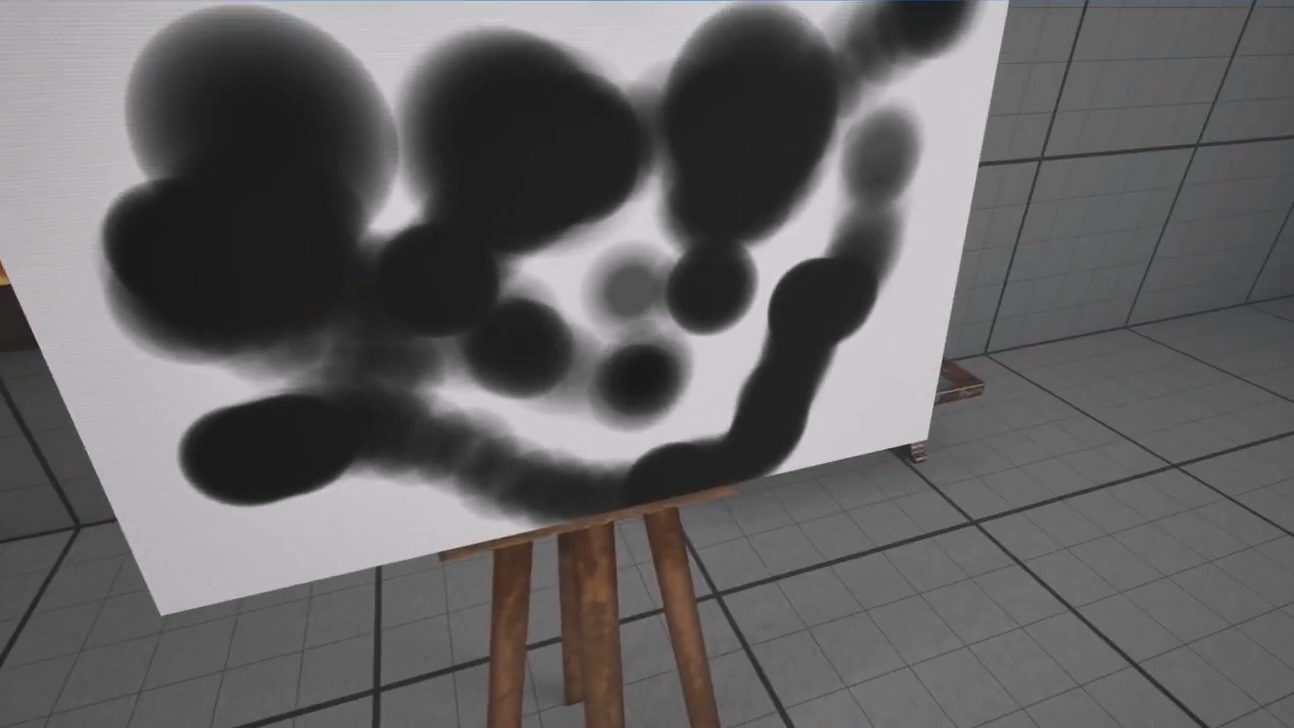
Painting: Painting the current brush to the canvas at runtime.
The painted result is then passed into the custom HLSL shader.
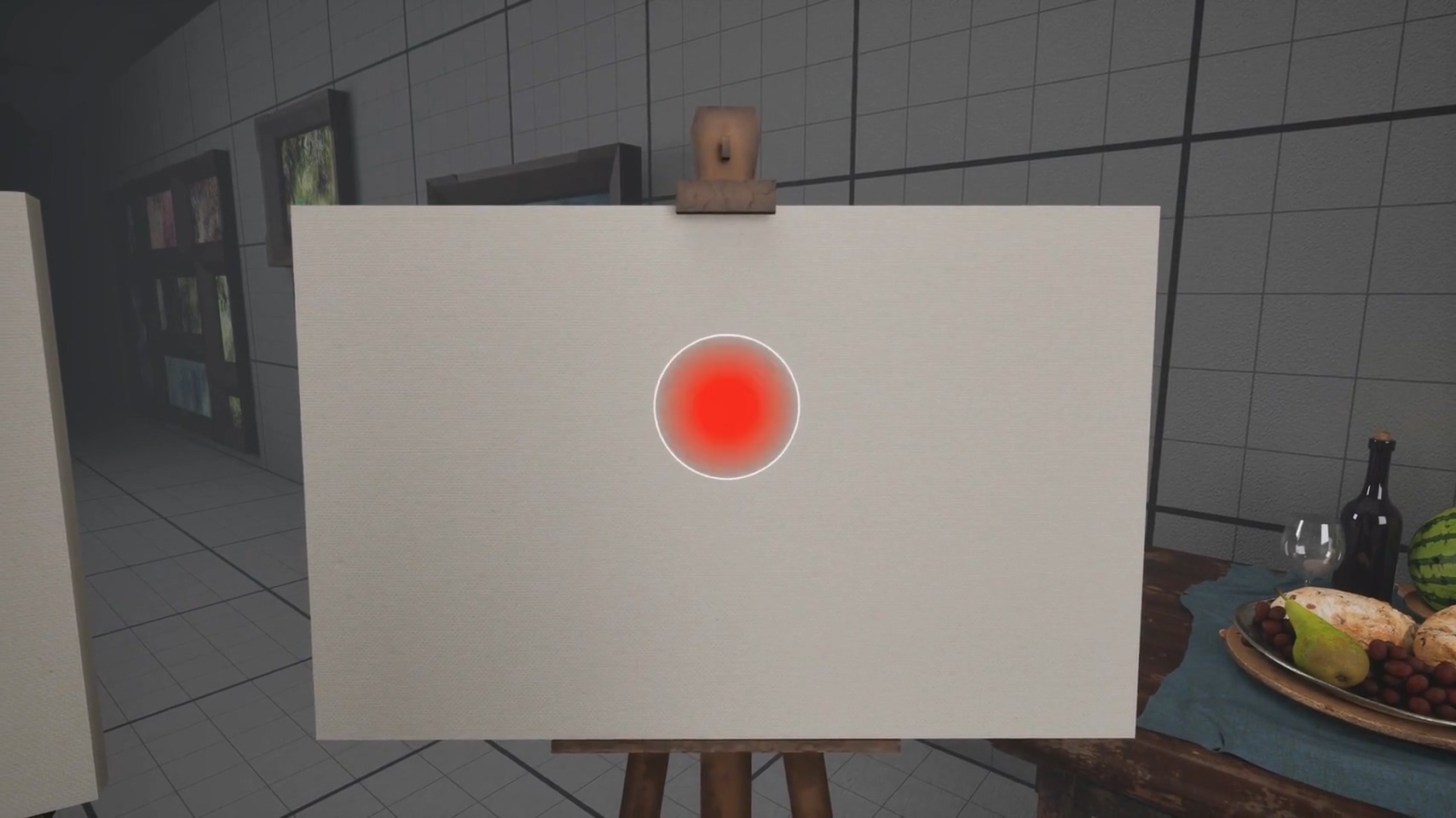



Refined brush: Redefined the brush visuals using two separate MIDs.
The red instance is for display, the black one for actual painting.
Added opacity support and a persistent outline for the brush.
Controls: Mouse Wheel to adjust the size;
Ctrl + Mouse Wheel to adjust the opacity;
Alt + Mouse Wheel to adjust the hardness.
Draw Brushes
Then I implemented a dynamic interpolation and sampling system.
It samples fewer paint calls, to prevent blotching, when the crosshair is slow, and interpolates new calls based on speed, to fill gaps, when the crosshair moves fast.
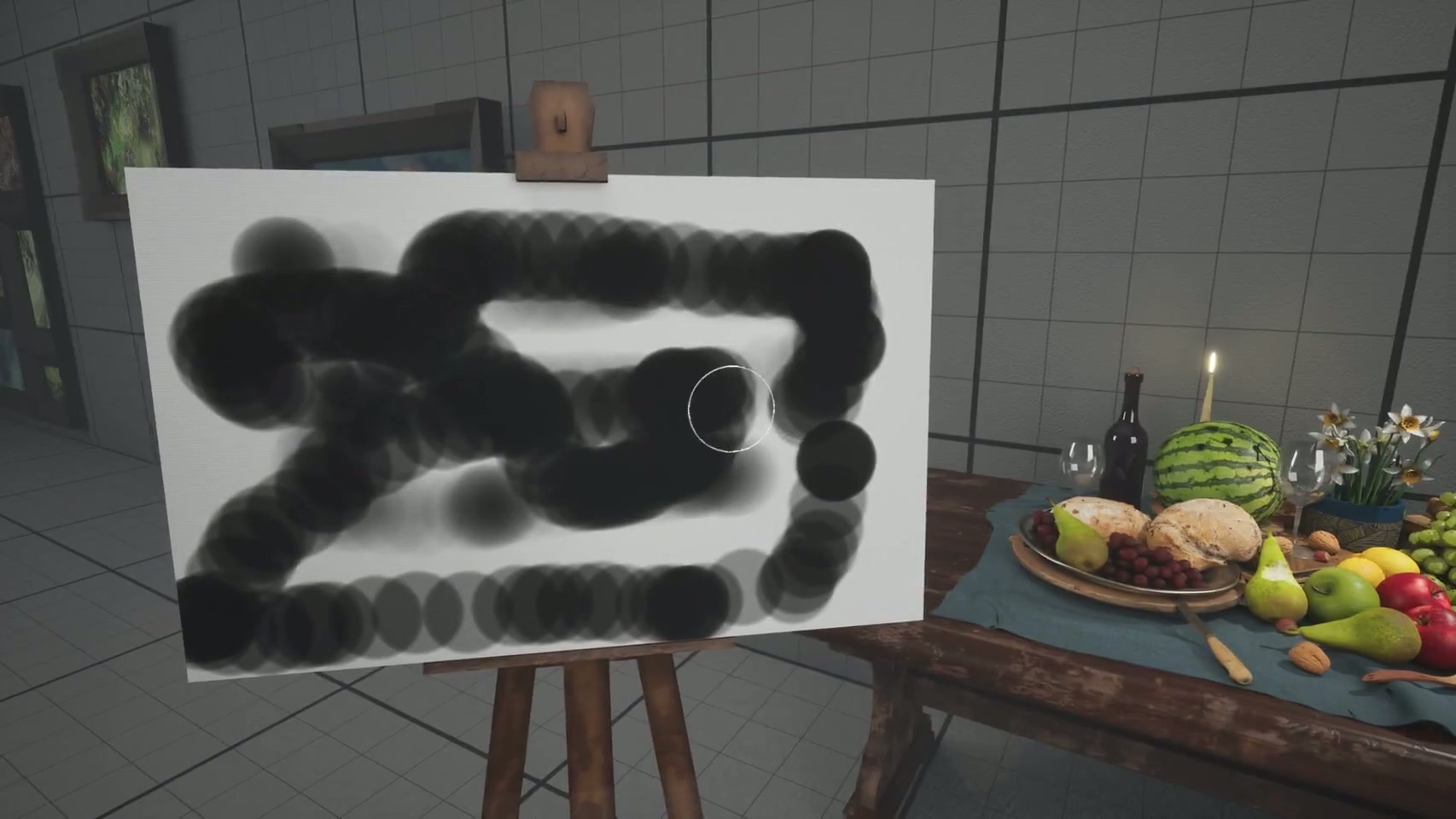
Raw input: brush strokes are uneven and inconsistent.
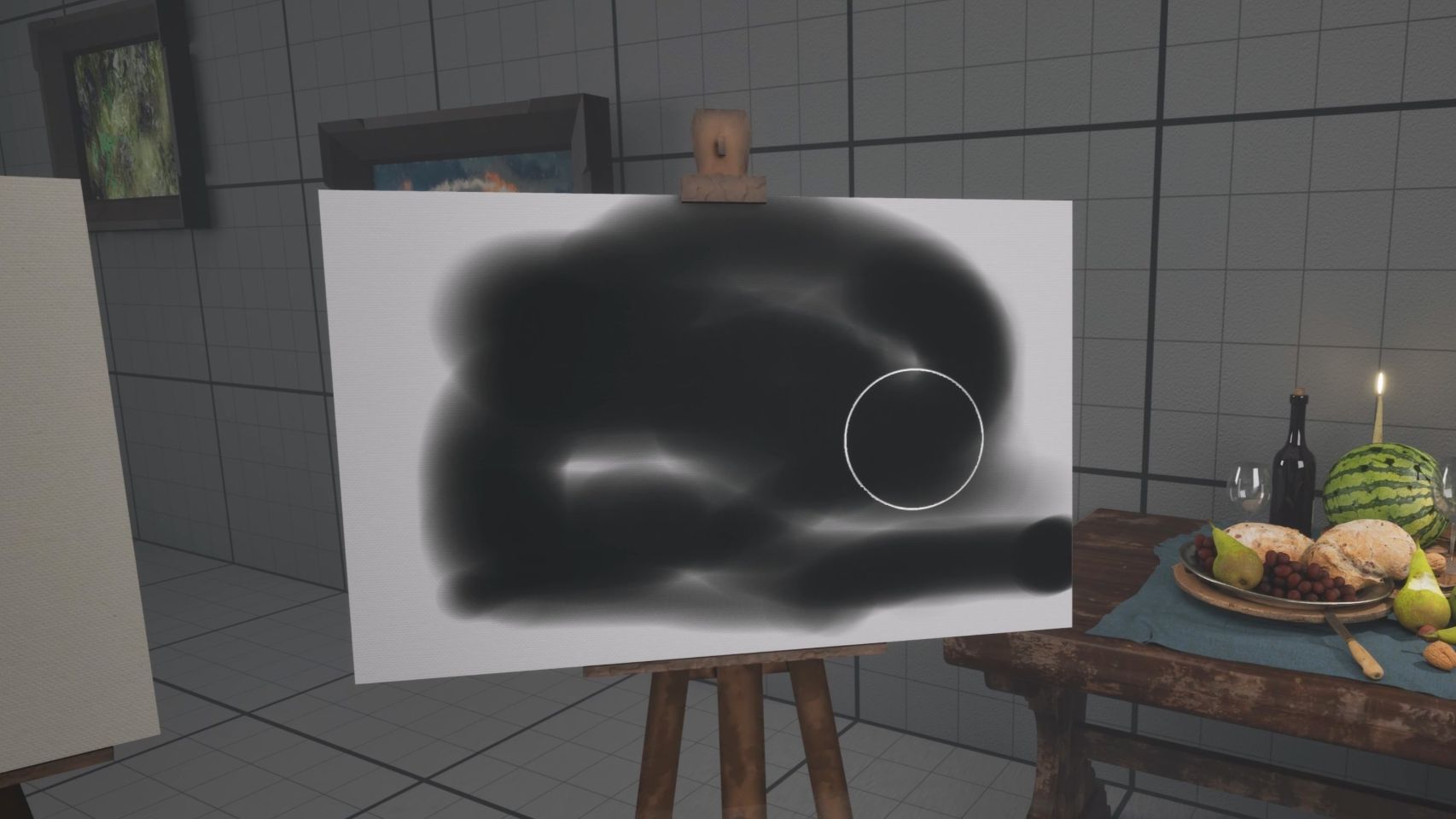
Corrected: the stroke remains smooth and continuous.
Draw Strokes
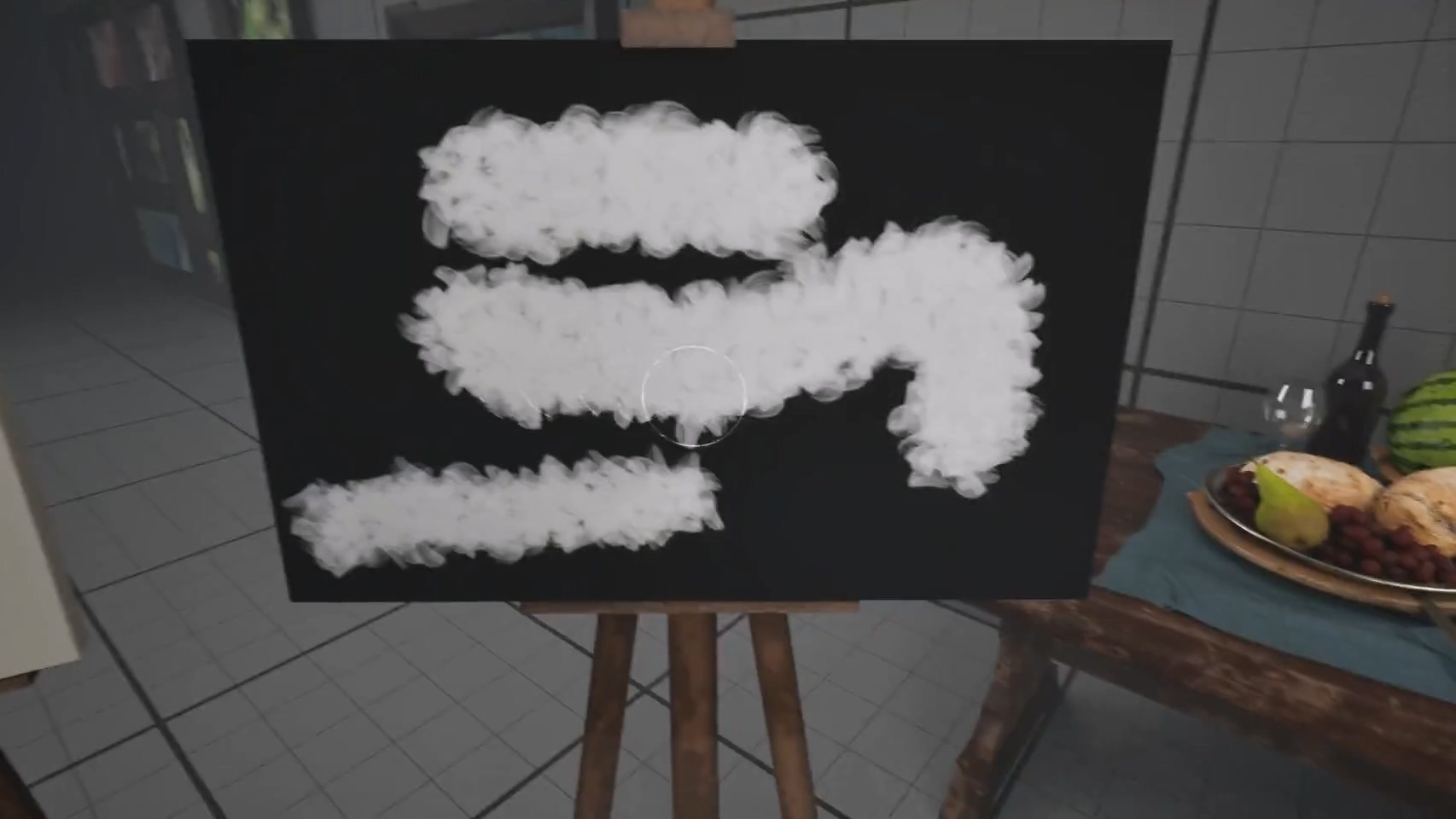
Alpha mask: Visualizing the alpha channel of the RGBA output generated by the HLSL shader.
It drives the lerp of the basecolor and normal textures between the painting and the canvas.
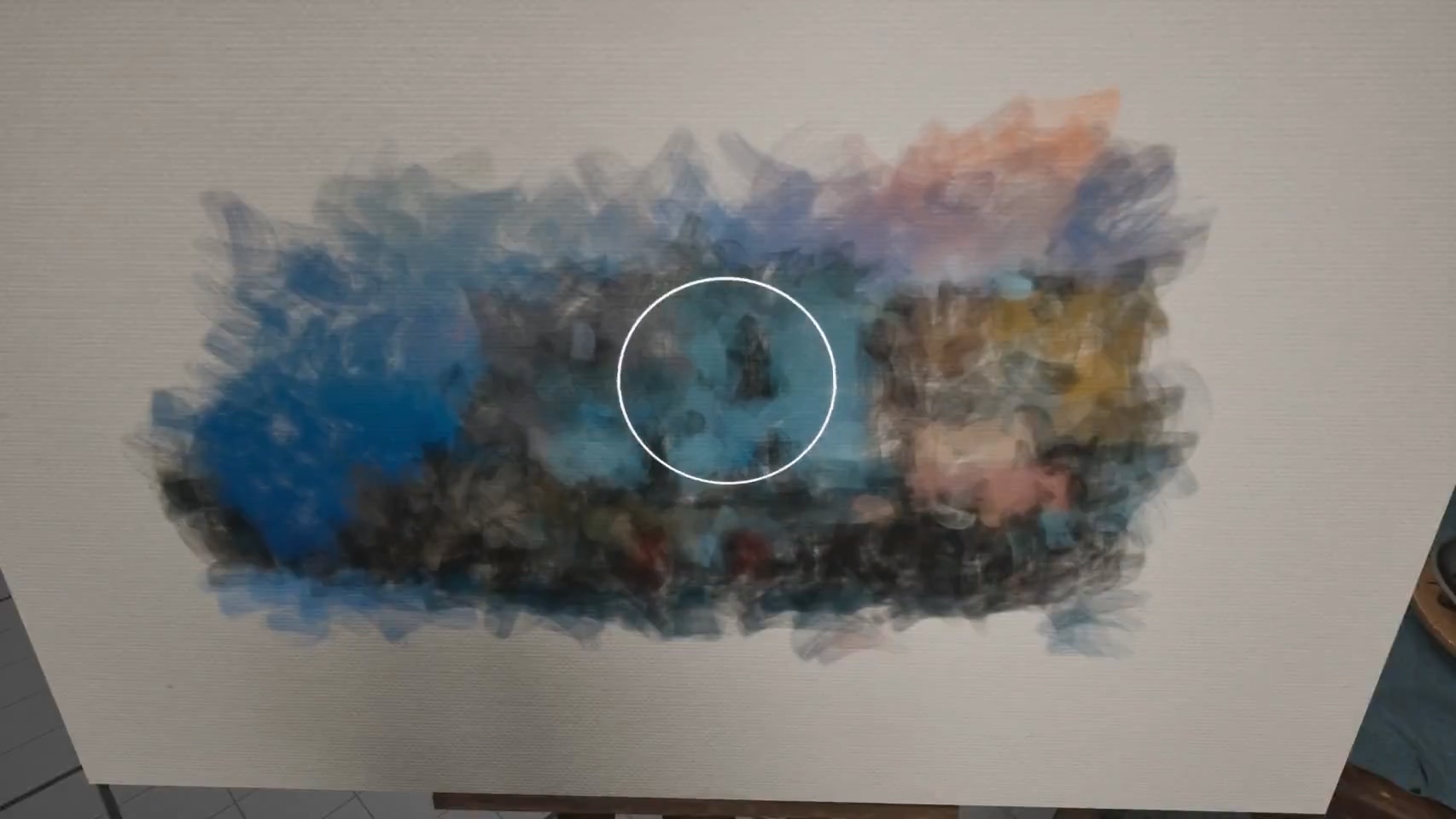
Stroke painting: Interactively painting brush strokes onto the canvas from a pre-loaded image.
The shader stacks multiple layers of brush strokes, gated by the grayscale of the painted mask.
Normal Map
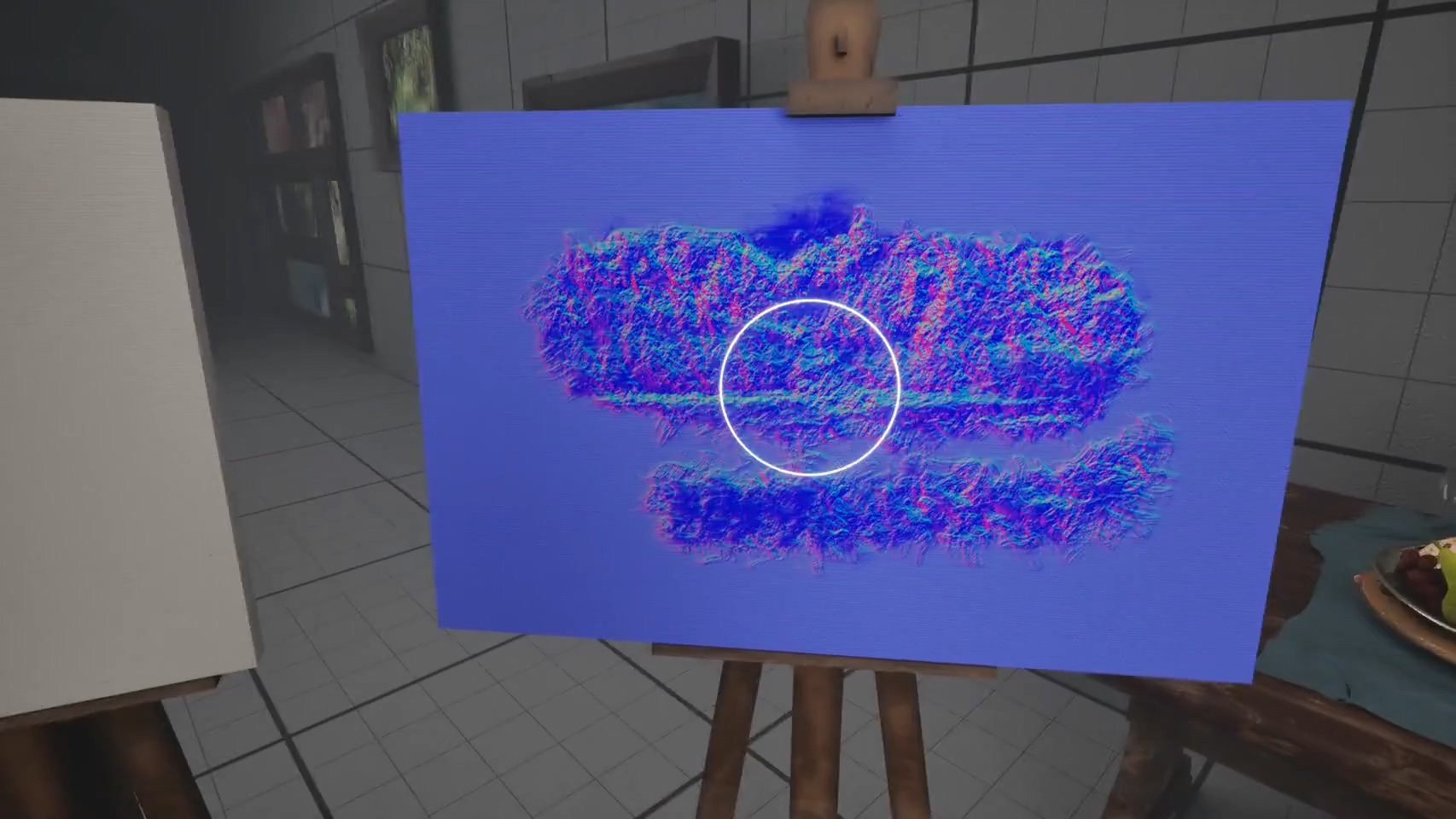
Generated normals: Visualizing the normal texture generated by another HLSL shader at runtime, using the RGB output of the painting shader as input, and the alpha output to blend onto the canvas’s own normal map.
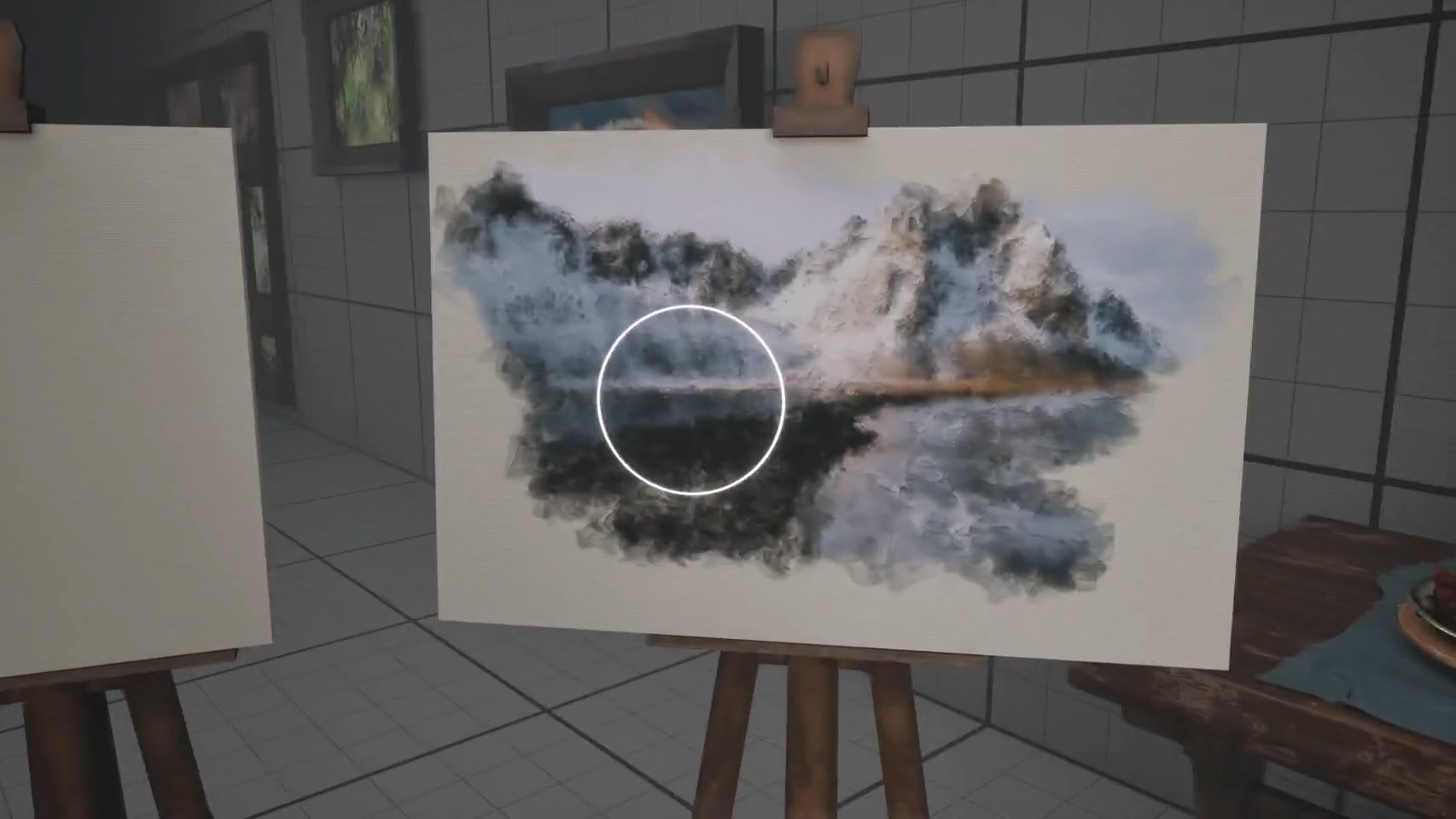
Applied: The generated normal texture is applied to the final material.
This adds detailed, convincing depth and shadowing to the brush strokes.
Scene Capture
Scene Capture: The Character BP uses an interface to let the Canvas BP trigger a scene capture.
The capture Render Target dynamically replaces the pre-loaded image input for the HLSL shader, transforming the live scene into an oil painting.
HUD Widget
I built a simple UI system driven by a state machine, handling transitions between idle, fade in/out, and scene capture.
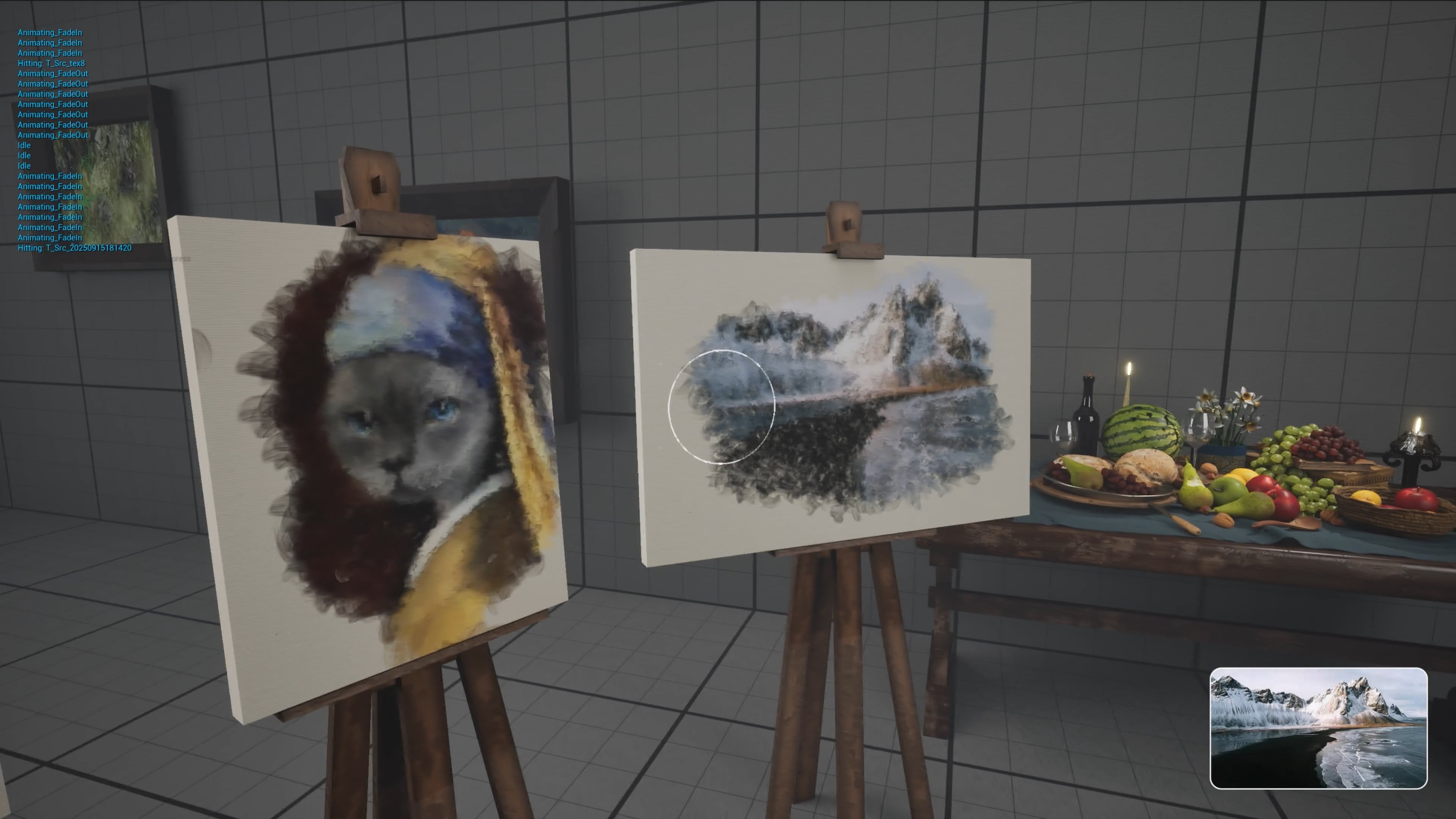
Canvas switching: Switching canvases triggers the fade-in and fade-out UI states.
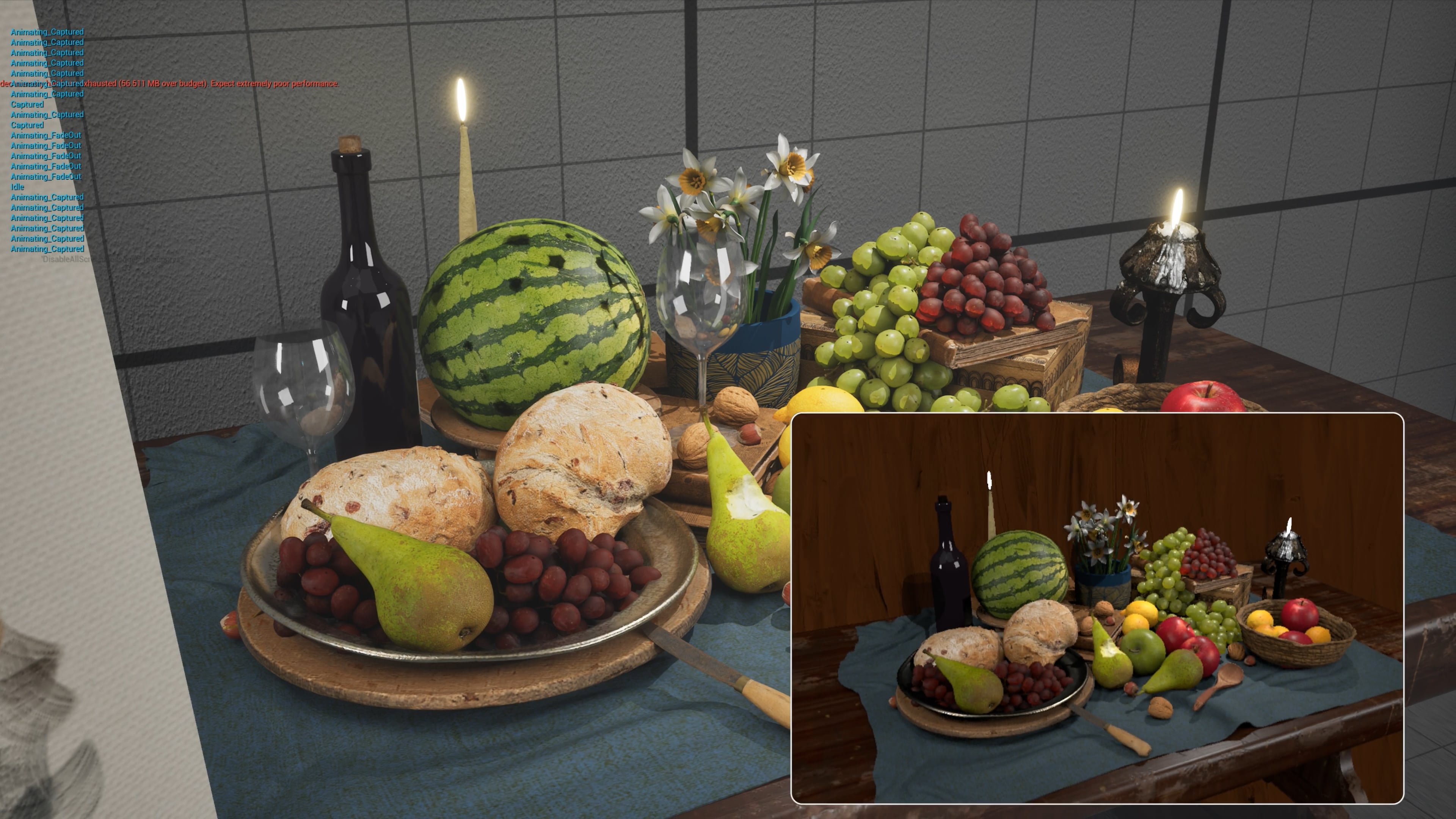
Capture background: During capture, background actors with specific tags are excluded.
A procedural background with random hue and noise is used instead.